

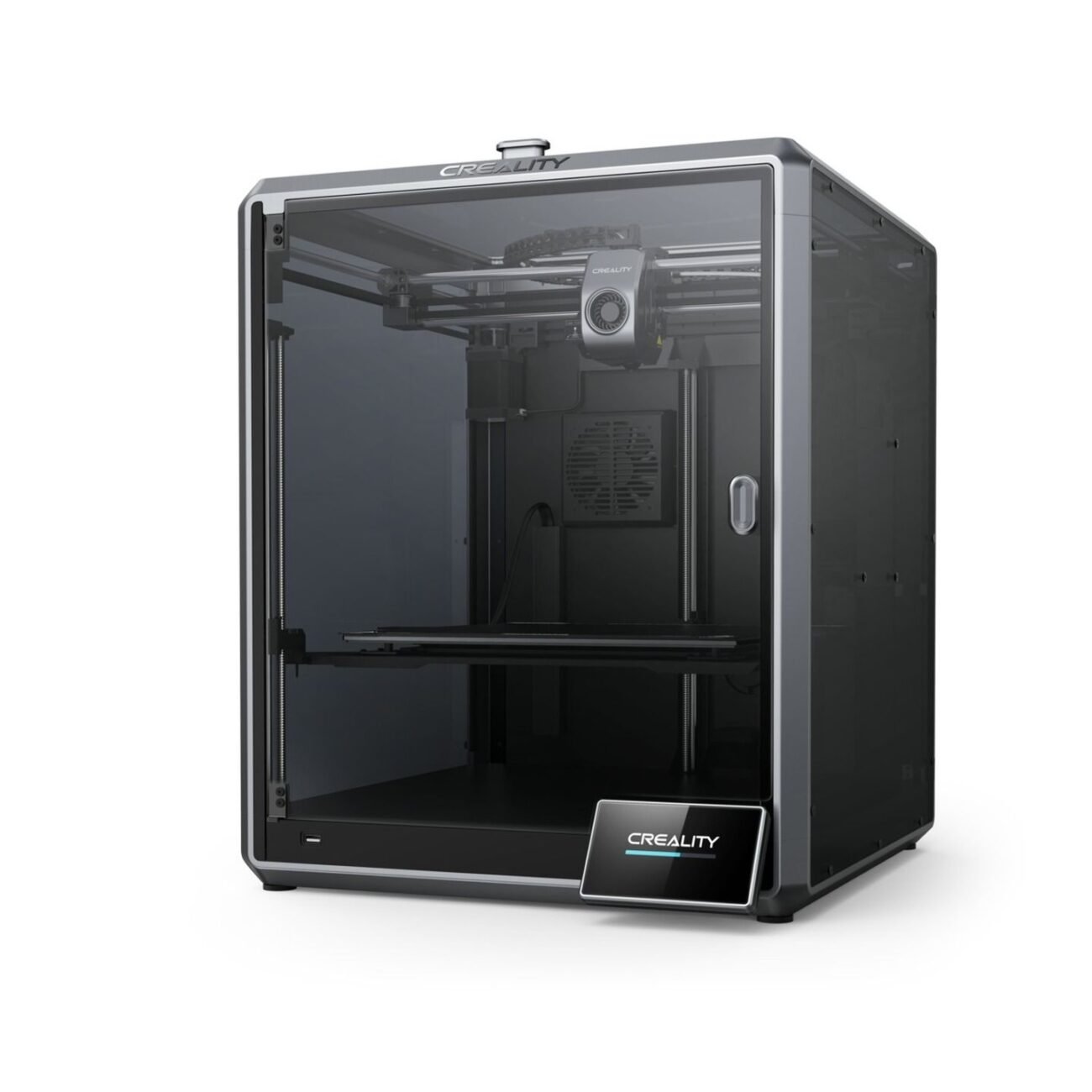
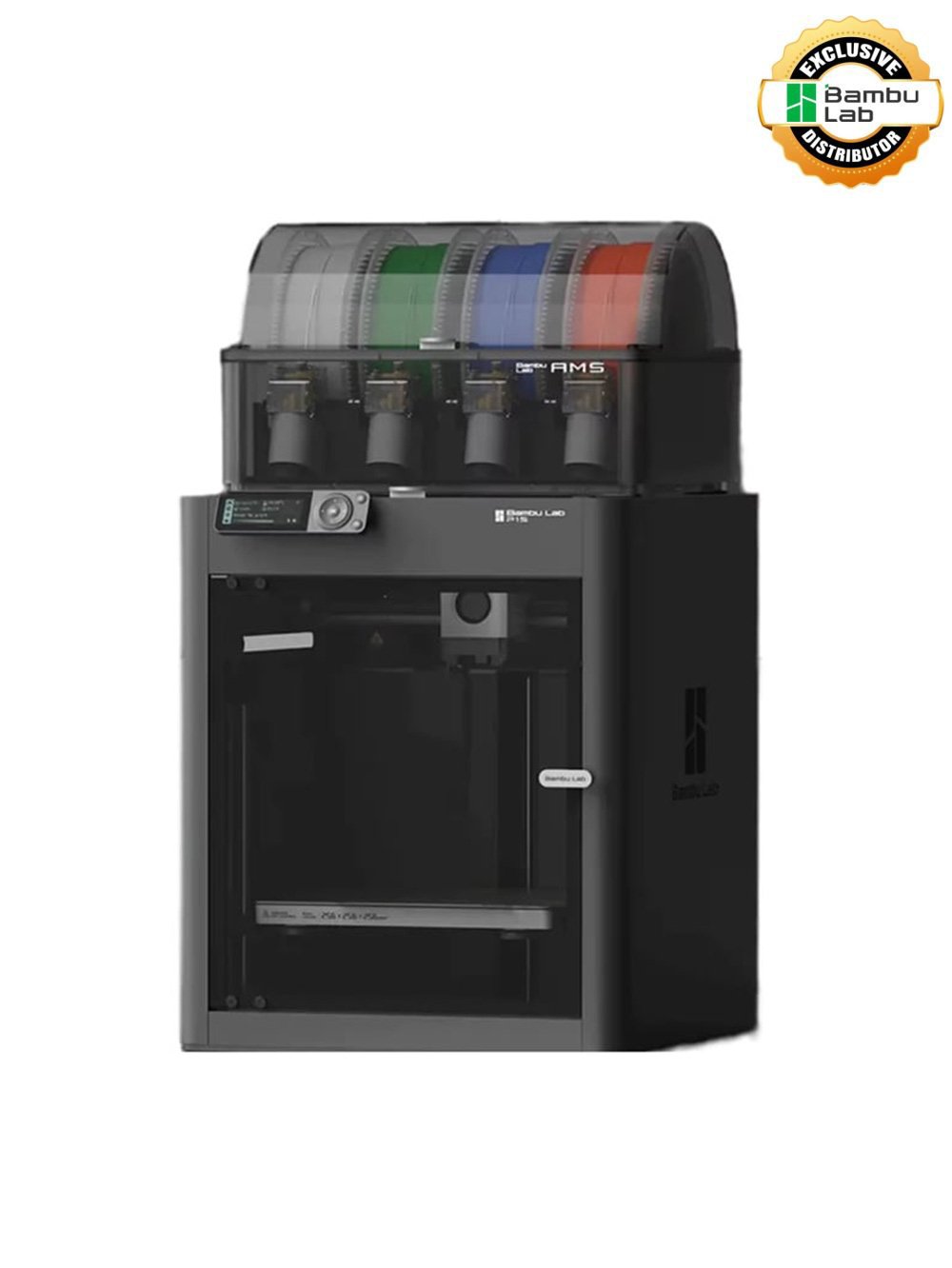
A well-maintained 3D printer produces better prints, lasts longer, and saves money on failed prints. This guide applies to all FDM 3D printers — Bambu Lab, Creality, Elegoo, or Flashforge.
Daily Maintenance
1. Clean the Print Bed
Wipe the print surface with isopropyl alcohol (IPA) before each print. A clean bed ensures good first layers.
2. Check Filament Path
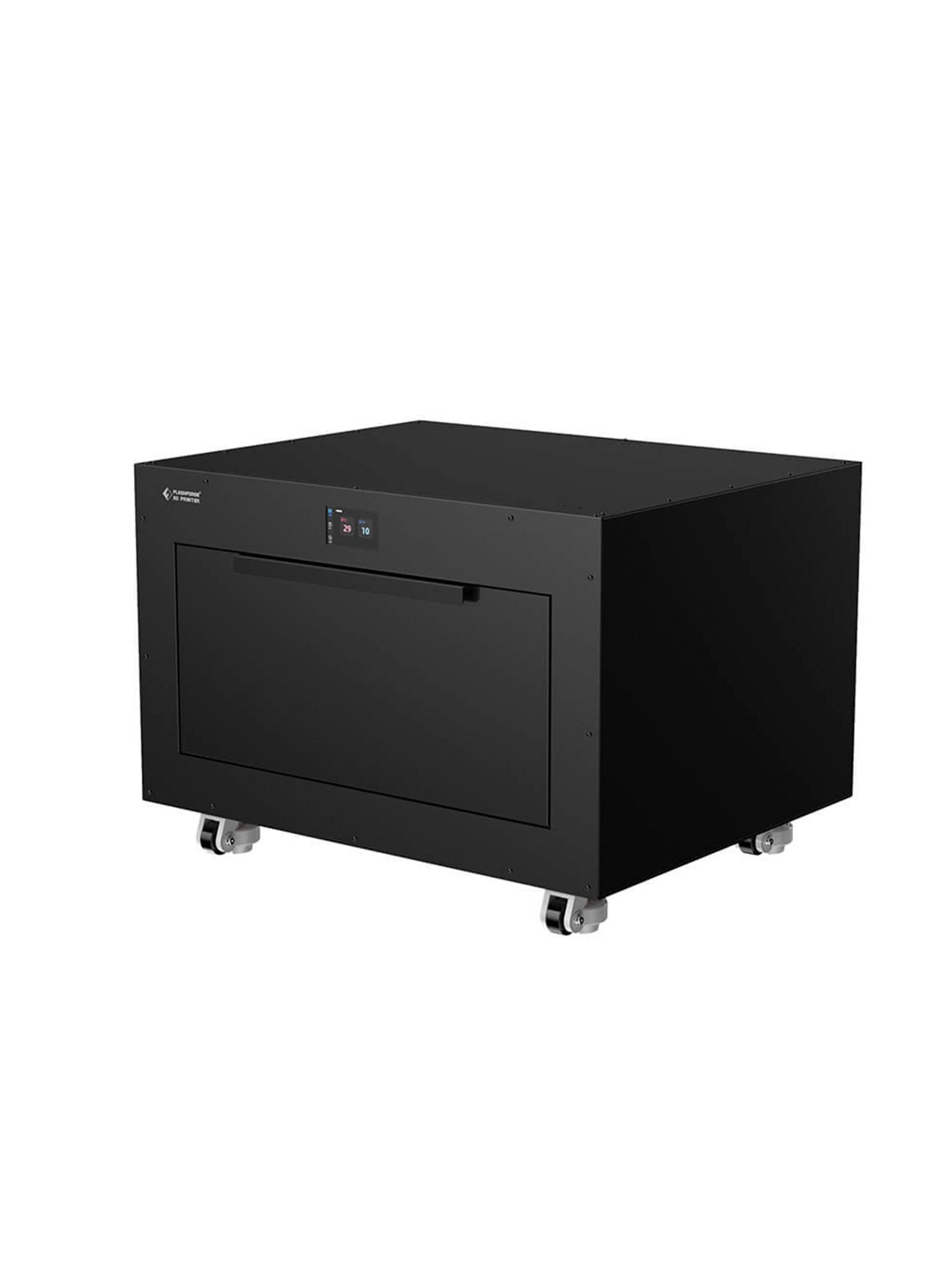
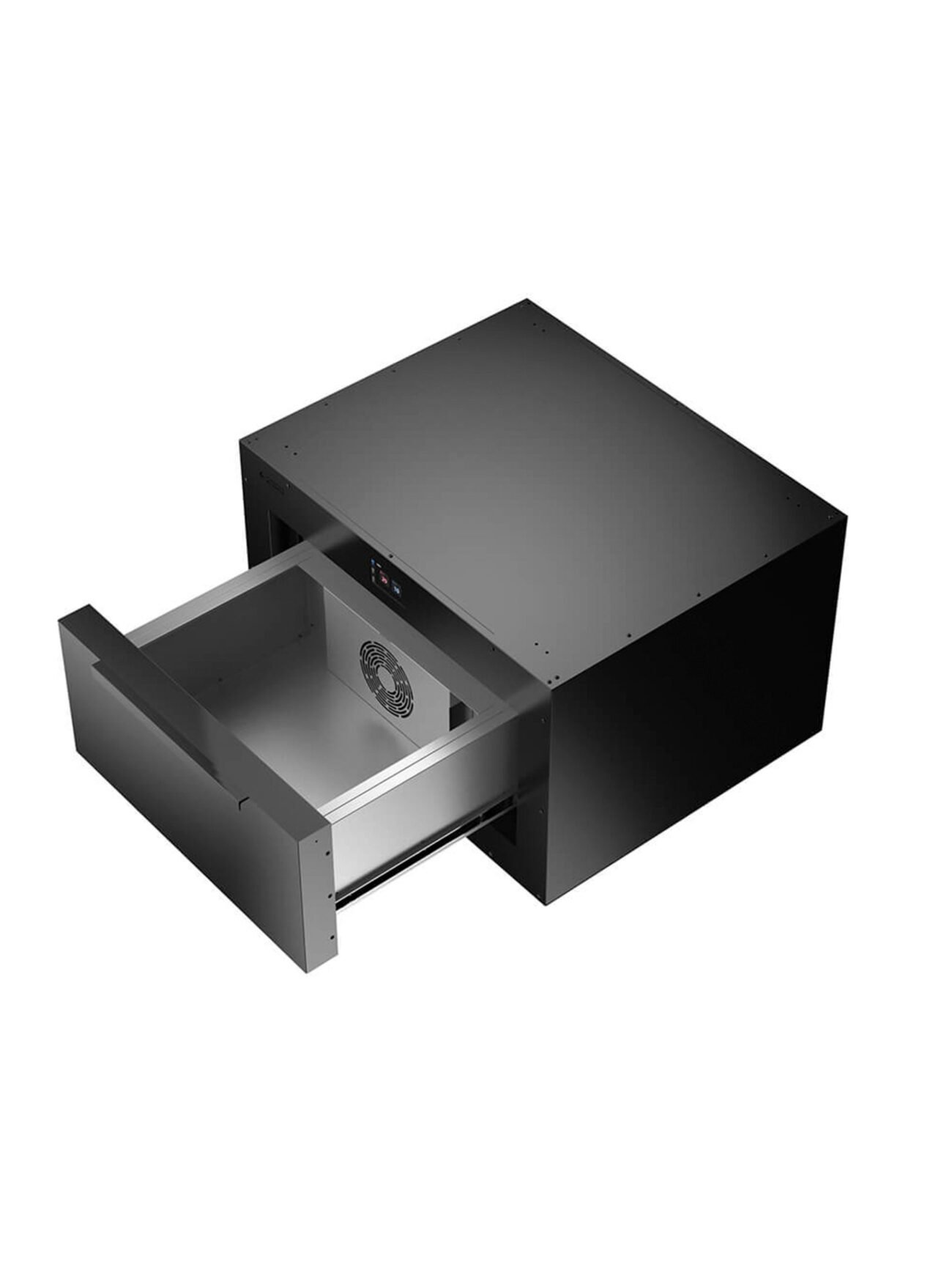
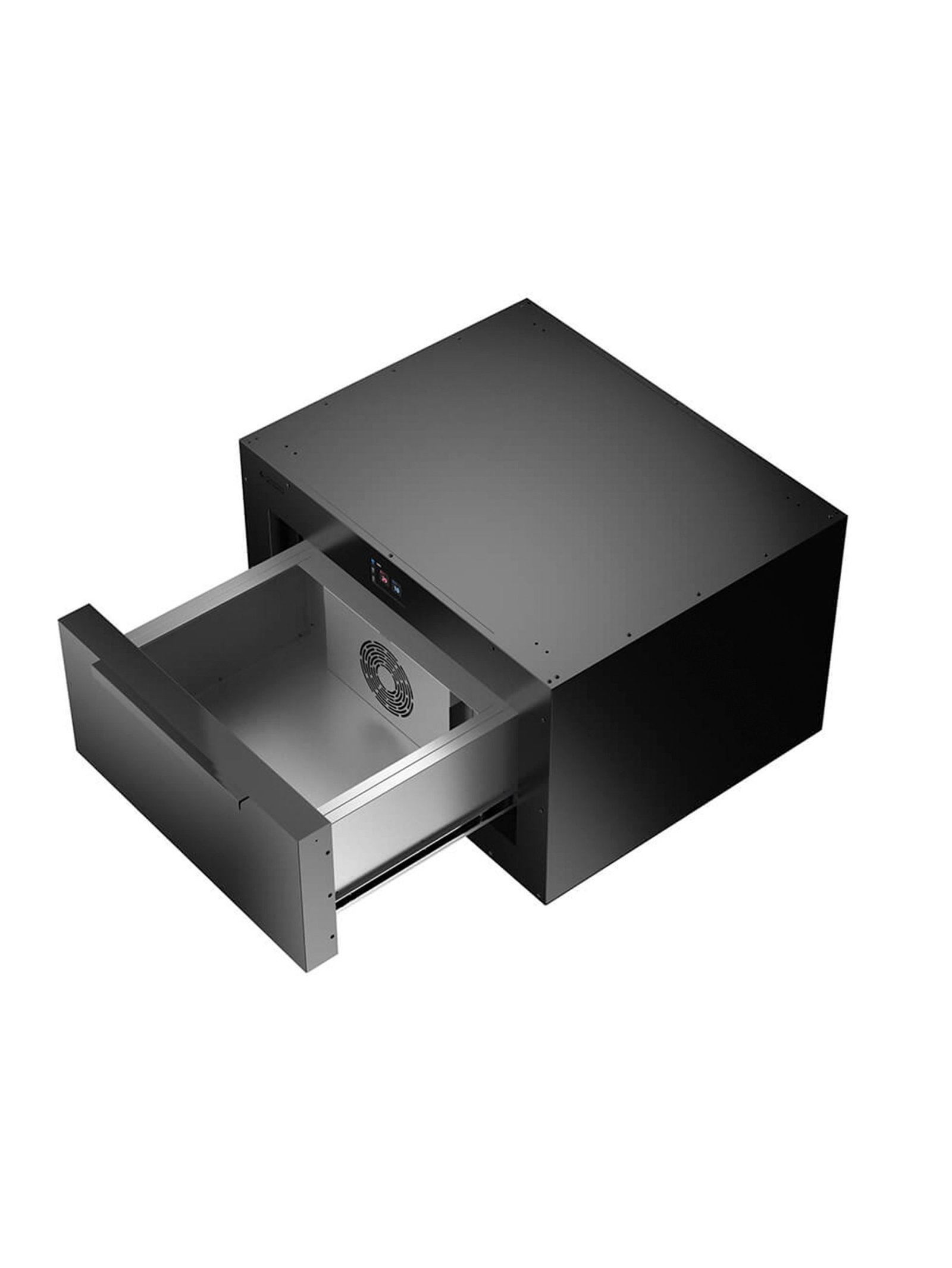
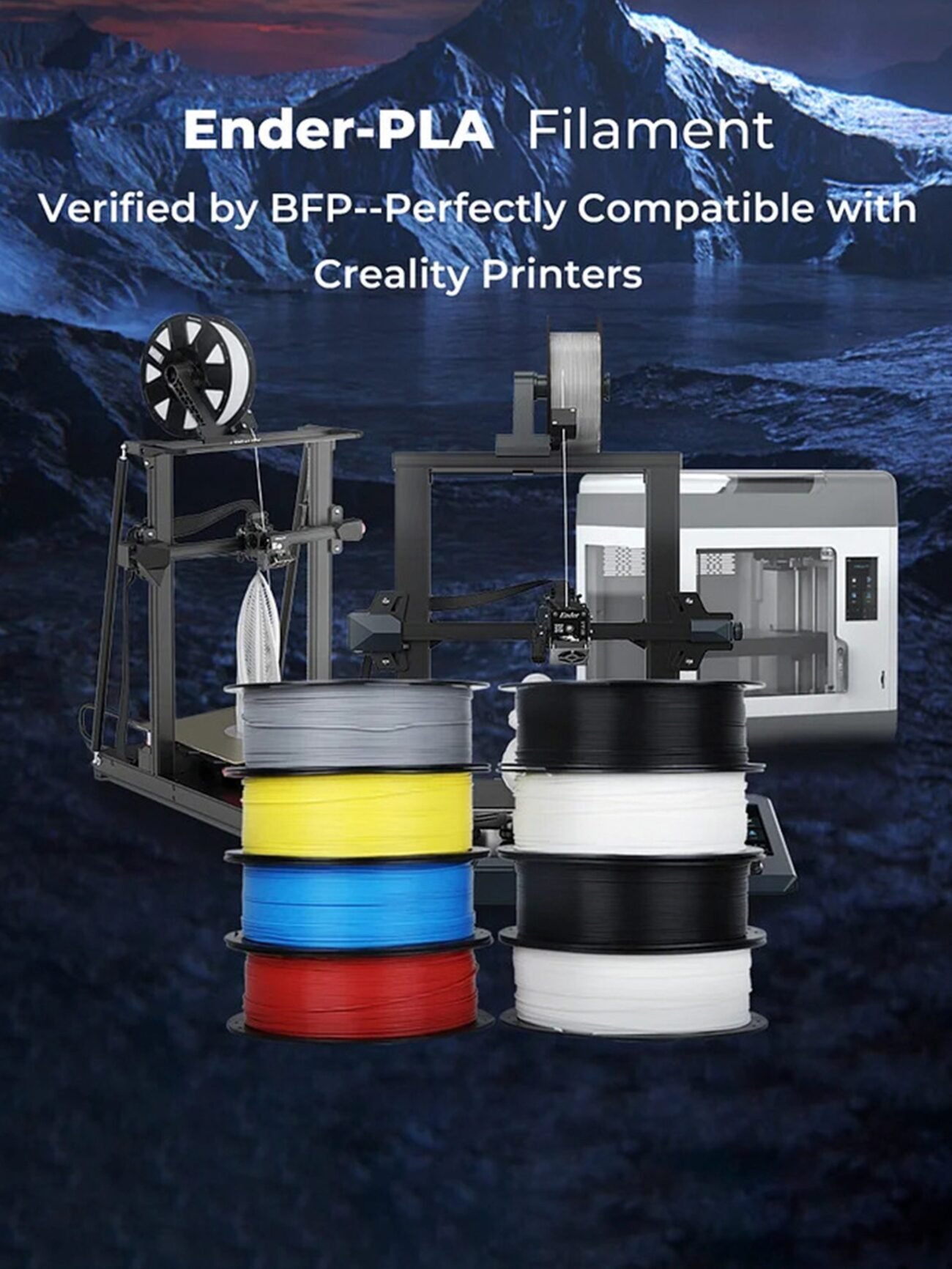
Check filament feeds smoothly. In India’s humid climate, store filaments in airtight containers with silica gel, or use a filament drying station.
Weekly Maintenance
3. Lubricate the Rails and Lead Screws
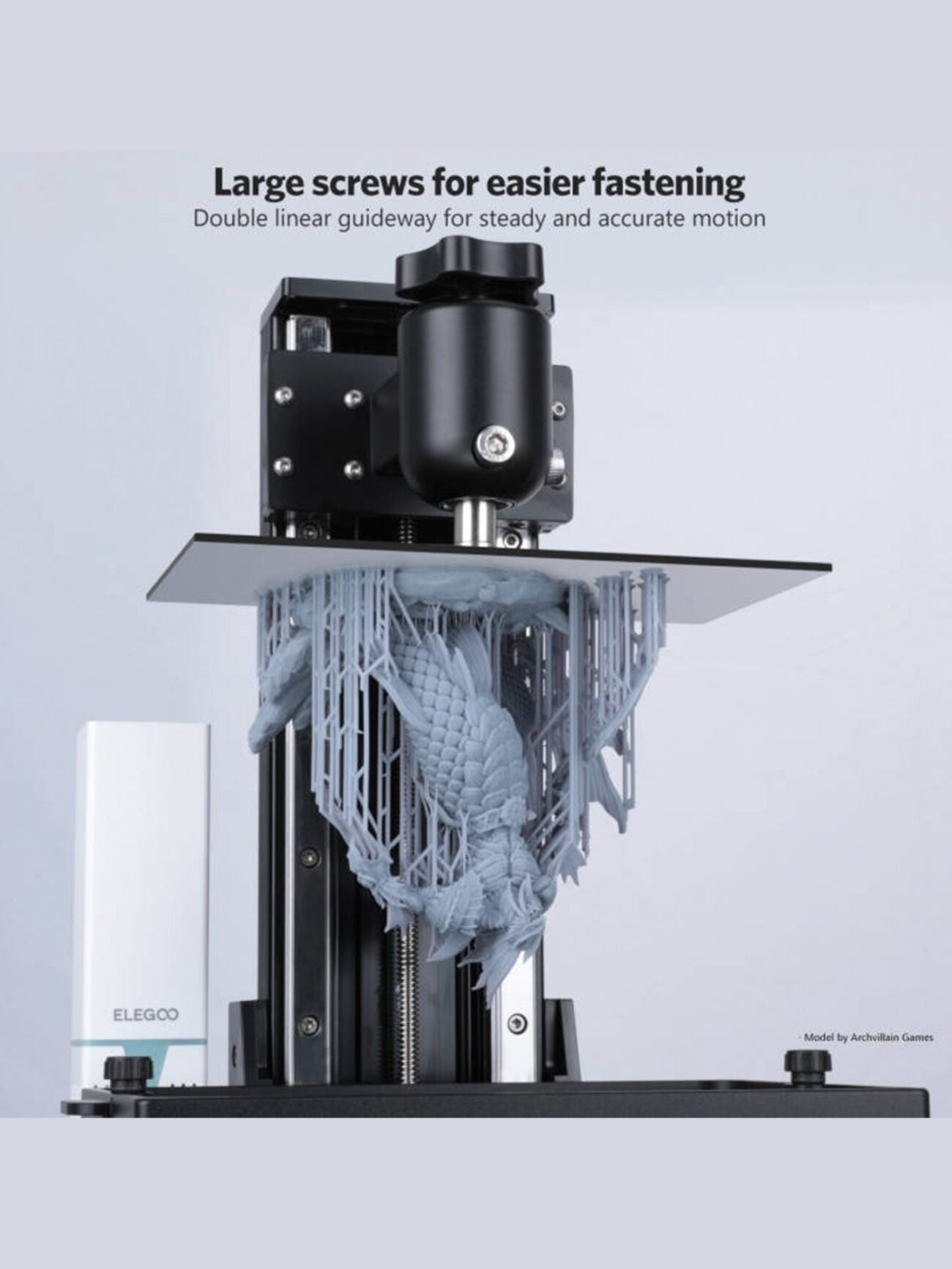
Apply PTFE dry lubricant to Z-axis lead screws. Use machine oil for linear rails. Prevents squeaking and ensures smooth movement.
4. Check Belt Tension
Loose belts cause ringing/ghosting in prints. X and Y belts should feel like a guitar string.
Monthly Maintenance
5. Replace Nozzle (Every 3–6 Months)
Brass nozzles wear over time. Replace every 3–6 months for consistent results.
Signs Your Printer Needs Service
- Inconsistent extrusion → clogged nozzle
- Layer shifting → loose belts
- Poor bed adhesion → dirty bed or wrong Z offset
- Stringing → temperature too high
Need spare parts? Visit our Spare Parts section at MakerJunction — free shipping over ₹999 with GST invoice.
Leave a comment